
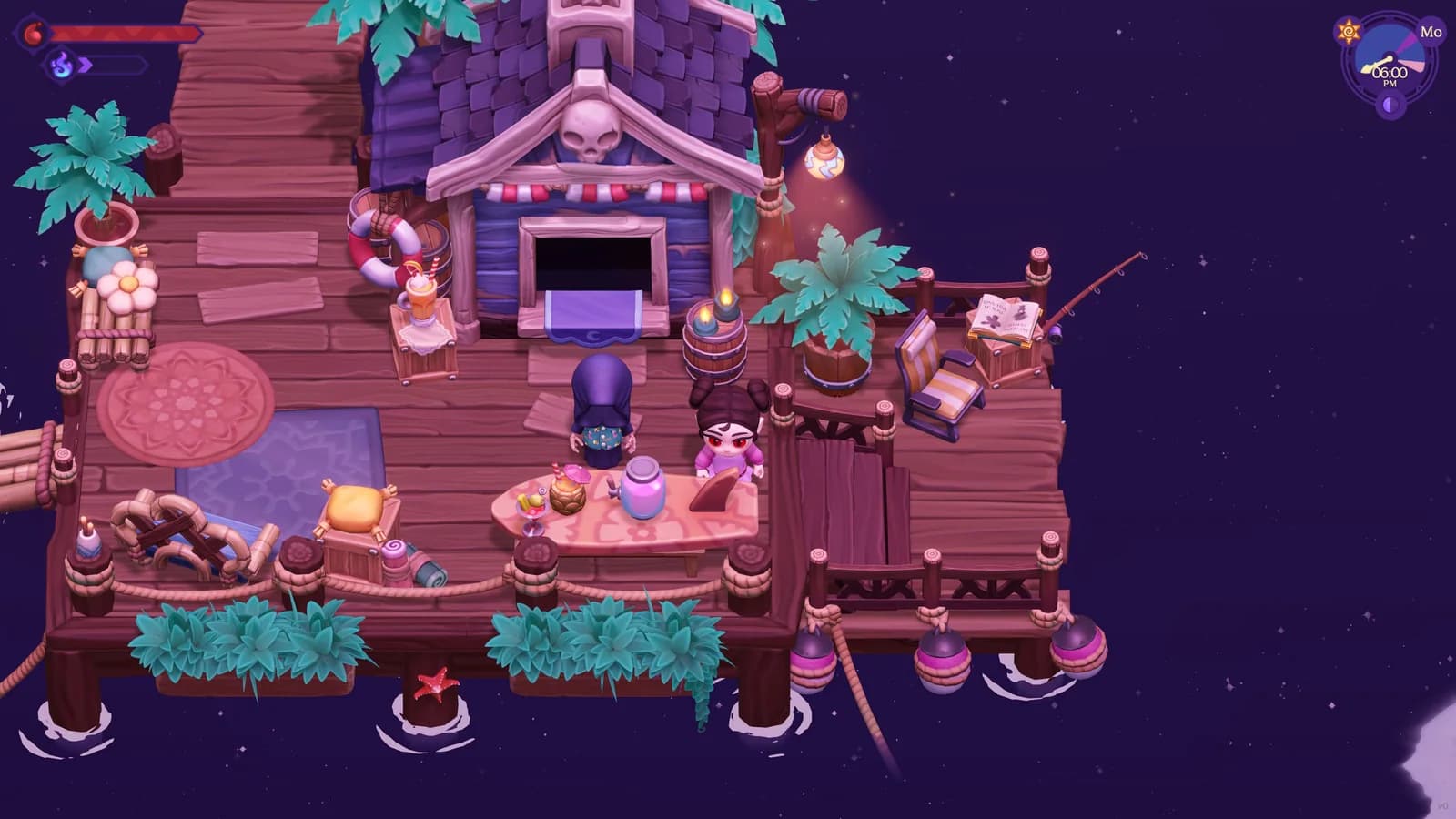
Quick answer
Complete The Mysterious Bay before following The Mermaid's Wish. The route then points you through Ask Yabbis about growing legs, a search in Cave of Echoes and Misty Shores, Grind the special shells in an Alchemist Mortar, and Bring the Special Shell Powder to Luna Bay. Completing those steps unlocks aqua form.
- Follow the quest order: The Mysterious Bay then The Mermaid's Wish.
- Ask Yabbis about growing legs
- Search the named areas: Cave of Echoes and Misty Shores.
- Grind the special shells in an Alchemist Mortar
- Bring the Special Shell Powder to Luna Bay
- Unlocks Aqua Form
The spoiler-light route
The shortest useful answer is the ordered path above. The Mysterious Bay comes before The Mermaid's Wish, and the later objectives provide the practical route to follow. Read one step at a time if you want the surrounding dialogue and story beats to remain a surprise. The checklist names destinations and actions but does not interpret the characters' motives or reveal any scene beyond the objective itself.
Keep the active quest text open while using this page. A route guide is most reliable when it helps you read the objective already present in your save rather than replacing it. After dialogue or delivery, pause and let the log update before moving to the next line. That small check prevents a correct later destination from feeling broken simply because the current step has not advanced.
No extra waiting rule or social condition is listed for this route. If your save has not presented the next objective, continue with the instructions visible in the game instead of trying to force a later step from the checklist.
Start with the quest sequence
Follow this sequence: The Mysterious Bay followed by The Mermaid's Wish. The shell route belongs to the later quest rather than a free-standing scavenger hunt that should be attempted from the beginning. Confirm the title of the active quest before travelling so you know which part of the route is relevant.
While The Mysterious Bay is active, concentrate on its own displayed objective. When The Mermaid's Wish becomes the active line, compare its next instruction with the steps on this page. This is a navigation habit rather than an additional game rule: matching the guide to the live objective reduces unnecessary trips and preserves the story's intended sequence.
If you return after a break, do not reconstruct progress from inventory alone. Open the quest log and identify the active instruction. An item may have been collected for another purpose, while the objective text directly shows what the save expects now. Resume from that visible state and cross off a guide step only after the log changes.
Follow the request for guidance
The next instruction is Ask Yabbis about growing legs. Treat that wording as the destination-setting step. Speak with the named character while the matching objective is active, then read the updated log before heading toward the coast or caves. This avoids turning an accurate location list into a premature search.
The conversation itself is part of the story, so this guide leaves its details untouched. You only need to know that the objective points to a character before it points to materials. Let the game establish why the shells matter and what the next task means.
When a conversation does not appear to move the quest, first make sure the correct quest is tracked and that the objective still names that interaction. Approach again, finish the available dialogue, and reopen the log. If its wording differs from this guide, follow the current game text and note your platform and version before seeking help.
Search the shell areas methodically
Search Cave of Echoes and Misty Shores. Use the map database to orient yourself, then use the live objective to decide whether both areas are relevant to the current step. No order inside each area or hidden spawn schedule is listed here.
Choose one area and make a deliberate loop rather than rapidly switching maps. Scan the edges of paths, water, cave features, and other readable boundaries before widening the route. This keeps the search organized without tying a shell to a particular prop.
Keep enough inventory room to recognize the quest materials you collect. If space is tight, store unrelated valuables before leaving home. After a pickup, check the objective rather than estimating progress from memory. The current quest counter or wording shows what remains.
If one broad area becomes visually confusing, return to its entrance and divide it into small passes. Finish Cave of Echoes or Misty Shores as a route segment, then revisit the quest text. A systematic loop makes it easier to distinguish a missed corner from an objective that has already moved on.
Process the quest materials
After the shell search, Grind the special shells in an Alchemist Mortar. Use the named station rather than trying unrelated crafting menus. Bring the collected quest materials, open the current interface, and select the matching quest process shown by your game.
Do not substitute a different mortar, recipe, or guessed ingredient list from memory. No extra cost or alternate crafting path is listed here. If the expected entry is not visible, close the menu and recheck that the collection objective has completed.
A clean troubleshooting pass is simple: confirm the quest is tracked, confirm the relevant materials remain in accessible inventory, reopen the named station, and compare the interface with the objective. Record the exact missing prompt if the process still cannot begin. Those observations are more useful than repeatedly crafting unrelated items.
Finish the delivery step
The route concludes with Bring the Special Shell Powder to Luna Bay. Travel with the processed quest item protected in inventory and use the current quest marker or map entry to orient the final approach. Once the delivery dialogue finishes, wait for the objective and reward state to update before leaving the area.
This page intentionally describes the delivery without retelling the scene around it. The important practical distinction is that collection and processing are not the finish line; the resulting material still has a destination. If the quest remains open, compare its wording with the processing and delivery steps above.
If you made the powder but cannot complete the handoff, avoid repeating the entire shell search immediately. Check that the processed item exists, the correct quest is active, and the destination matches the live instruction. Install any newer version available for your platform and copy the exact objective text if you need support.
What the completed route unlocks
The reward is Unlocks Aqua Form. Controls, duration, and other transformation details are shown by the prompts and menus that appear after the route resolves.
If you want to stay spoiler-light, stop reading once the unlock appears and experiment with the new option in a safe, familiar area. Check the current controls before planning a long route around it. Testing near a known landmark helps you understand movement and presentation without assuming an undocumented advantage.
Treat later uses of the form as separate questions. Unlocking it does not explain every place it can be used or every interaction it may affect. Follow visible prompts, and keep platform and version details with any behavior you want to compare or report.
Troubleshoot from the visible objective
When progress appears stalled, start with the quest title, active instruction, relevant inventory item, current destination, and game version. Compare that state with the matching line above. This isolates whether the issue is order, navigation, processing, delivery, or a possible game problem.
Do not add an unseen timer or a guessed social condition. If your objective differs, the current game text wins. Take a screenshot of the log and station menu before restarting or discarding materials so a later support request has useful context.
The quest and map databases linked below can help separate a naming question from a location question. The romance and gift pages are useful for general character planning, but they are not prerequisites for this route. Keeping those topics separate keeps the checklist focused.
Sources checked
The references below confirm the details used in this guide.
- Checked
- Game version
- Launch information checked July 25, 2026
- Platform
- All platforms unless noted
References
Related guides
Moonlight Peaks Loveage Festival Guide
Plan both Loveage Festival visits, follow the secret-admirer exchange, and check the Steam 1.1.45 Gift Exchange soft-lock fix.
Read guide
Moonlight Peaks Elvira Treasure Hunt: All 5 Locations
Find all 5 Moonlight Peaks Elvira Treasure Hunt locations in order, from The Broken Lamp and Ambrosia Graveyard to the cave and Khazan Temple.
Read guide