
Quick answer
Loveage runs on Spring 20 and Spring 21 for two nights, with Llemi as host. On the opening visit, choose up to three recipients for the secret-admirer exchange. Then return for the exchange on the second night. Steam note: Steam patch 1.1.45 fixed an issue where the Loveage Gift Exchange could soft lock the game. For Nintendo, check the latest official patch notes before assuming the Steam fix is included.
- Mark the dates: Spring 20 and Spring 21.
- Use the full event window: Two nights.
- Find the host: Llemi.
- Choose up to three recipients for the secret-admirer exchange
- Return for the exchange on the second night
- For Nintendo, check the latest official patch notes before assuming the Steam fix is included.
Mark the complete festival window
The festival dates are Spring 20 and Spring 21, and the event lasts two nights. Put both dates in your farm plan because the exchange is structured across separate visits. The in-game spelling is Loveage; “Lovage” is a common search or spelling variant, but it refers to the same event.
Llemi hosts the festival. Use the current event marker, dialogue, and map to find the gathering point in your save. No start hour, closing hour, weather condition, or travel cutoff is listed here, so follow the prompts shown by the game.
Reduce optional farm work before each visit, clear some inventory space, and leave enough time to read the event prompts. These preparations make the visit less rushed without changing how the festival works.
Use the opening visit to set up the exchange
The opening instruction is: Choose up to three recipients for the secret-admirer exchange. Read the recipient interface carefully and confirm your choices before leaving it. Reactions, rewards, relationship gains, and a best combination are not listed here; use the options and prompts shown in your save.
Before entering the selection, make a short list of the residents you are currently interested in. This helps prevent rushed menu decisions. Let the names shown by the game define who can be selected instead of assuming that prior dialogue or a particular item changes eligibility.
After confirming, reopen any visible event objective and check that it reflects the next stage. Do not assume the exchange is complete merely because the selection menu closed. The second visit is still required.
If you select a name unintentionally, look for an on-screen review or back action before final confirmation. Once the game saves a choice, avoid quitting or forcing a transition unless the game itself offers a safe way to revise it.
Prepare calmly between event visits
The event spans two nights, so treat the time between visits as a preparation window rather than proof that the exchange has stalled. Keep the event objective visible, preserve any item the game explicitly marks for the exchange, and avoid filling every inventory slot before returning.
Use ordinary farm or town tasks only when they leave a clear route back to the event. A simple plan is one essential home circuit, one nearby errand, and then the festival. Adjust that route to your save rather than treating it as a required order.
If the game updates during the interval, review the platform's release notes before the return visit. This is especially useful because Steam 1.1.45 changed the Gift Exchange transition. Keep the game on the latest available version for your platform when practical.
Return to complete the exchange
The follow-up instruction is: Return for the exchange on the second night. Return while the matching event objective is active, speak with Llemi or follow the current event prompt, and let the exchange sequence finish before starting another transition.
Read the dialogue at your preferred pace and watch for the objective to update. Admirer identities, gift results, and social rewards are omitted here so those moments can remain part of the event in your save.
If you arrive and the expected step is not visible, confirm the calendar date, active objective, and earlier selection state. Follow the current event prompt instead of trying unrelated conversations. A screenshot of the objective can help if you need to ask for support.
Check the Steam 1.1.45 fix
Steam 1.1.45 fixed an issue where the Loveage Gift Exchange could soft lock the game. This applies to the named Steam version and can help when a transition around the Gift Exchange appears stuck.
For Nintendo, check the latest official patch notes before assuming the Steam fix is included. A Steam version number does not show whether the same change has reached Nintendo hardware.
If you are on Steam, update through the normal client path and confirm the installed version before reproducing the issue. If you are on Nintendo hardware, consult that platform's current notes and official support route instead of trying an unofficial console workaround.
Troubleshoot without risking the event flow
Start with observable details: platform, installed build, calendar date, active event objective, whether the recipient selection completed, and which transition appears blocked. These details separate a scheduling mistake from a possible technical fault and make a support report easier to evaluate.
Avoid forced shutdowns, repeated rapid transitions, or save-file changes during an event sequence. Update through the platform, follow visible prompts, and take a screenshot before trying anything disruptive. Unofficial recovery methods may create additional save problems.
On Steam, compare the installed version with this fix: Steam patch 1.1.45 fixed an issue where the Loveage Gift Exchange could soft lock the game. For Nintendo, check the latest official patch notes before assuming the Steam fix is included. If the notes for your platform do not mention the same change, report the issue without describing it as already fixed.
Keep gift planning separate from event flow
The exchange naturally invites gift questions, but this route only covers recipient selection and the return visit. Use the gift guide for listed preferences, and leave an unknown preference unknown. A themed guess should not consume a rare item merely because the festival is romantic.
For low-pressure planning, reserve replaceable items and review every prompt before committing. That is inventory advice, not a statement about acceptance rules. Do not infer a guaranteed outcome from a resident's theme, dialogue, family, or portrait.
The romance guide can help organize broader social goals, while the Llemi page provides character context. Neither page changes the festival sequence. Keeping event flow, gifts, and long-term relationship planning separate prevents one uncertain detail from becoming an invented festival rule.
Final event checklist
Before the event, mark Spring 20 and Spring 21 and note that the host is Llemi. On the opening visit, follow this instruction: Choose up to three recipients for the secret-admirer exchange. On the return visit, follow: Return for the exchange on the second night.
For Steam troubleshooting, keep this version detail with the fix: Steam patch 1.1.45 fixed an issue where the Loveage Gift Exchange could soft lock the game. For Nintendo, check the latest official patch notes before assuming the Steam fix is included.
After the event, note what your objective displayed and whether the sequence completed on the installed version. If a future patch changes the flow, compare the new prompts with this checklist before repeating the event.
Sources checked
The references below confirm the details used in this guide.
- Checked
- Game version
- Current Steam 1.2.7; Gift Exchange fix introduced in 1.1.45
- Platform
- Festival dates and exchange steps apply across platforms; check official Nintendo patch notes for fix status
References
Related guides
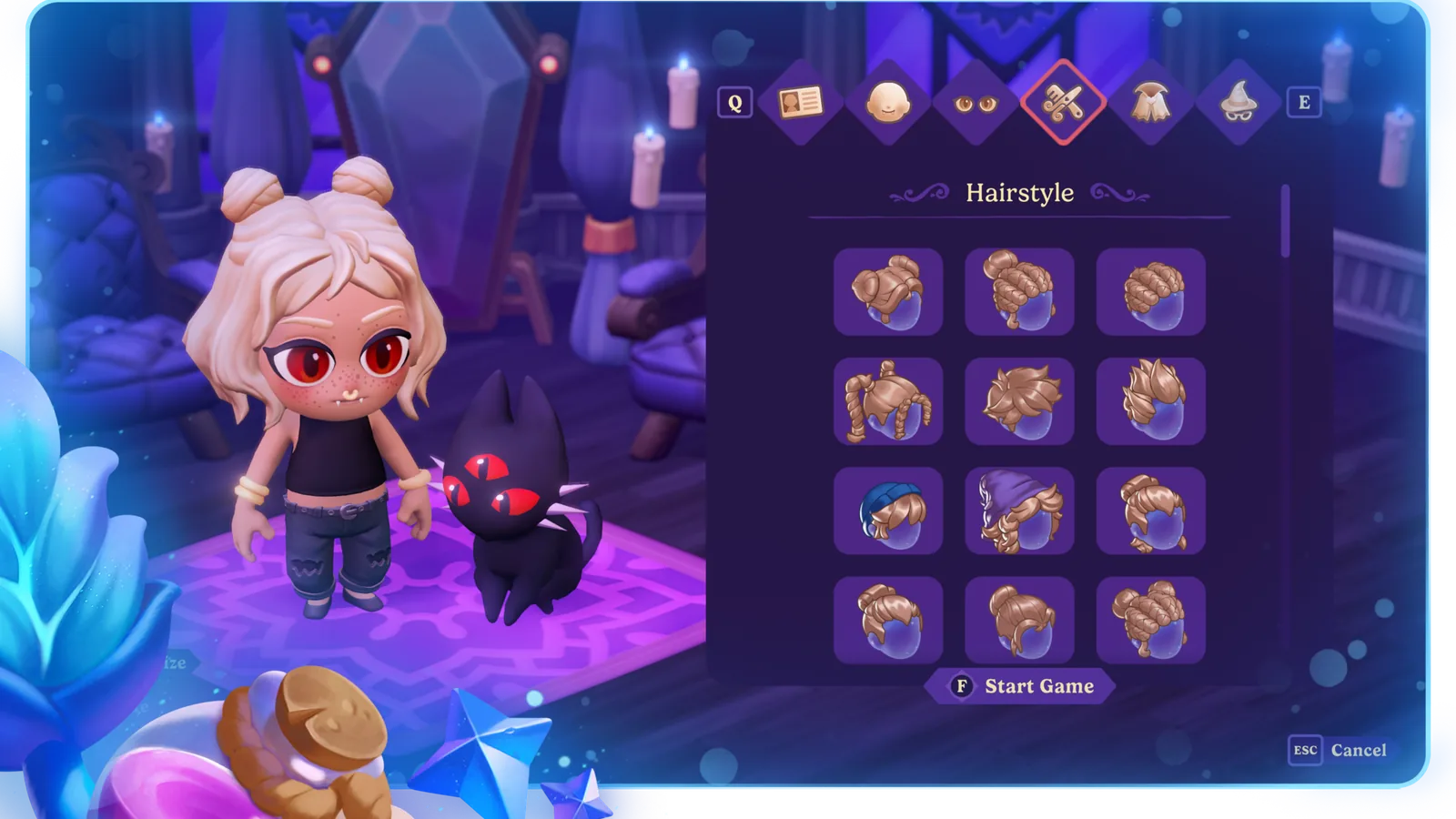
Moonlight Peaks Character Creation and Customization Guide
Plan a readable vampire look across Face, Eyes, Hair, Outfit, and Accessories, then use the current mirror and item rules for later edits.
Read guide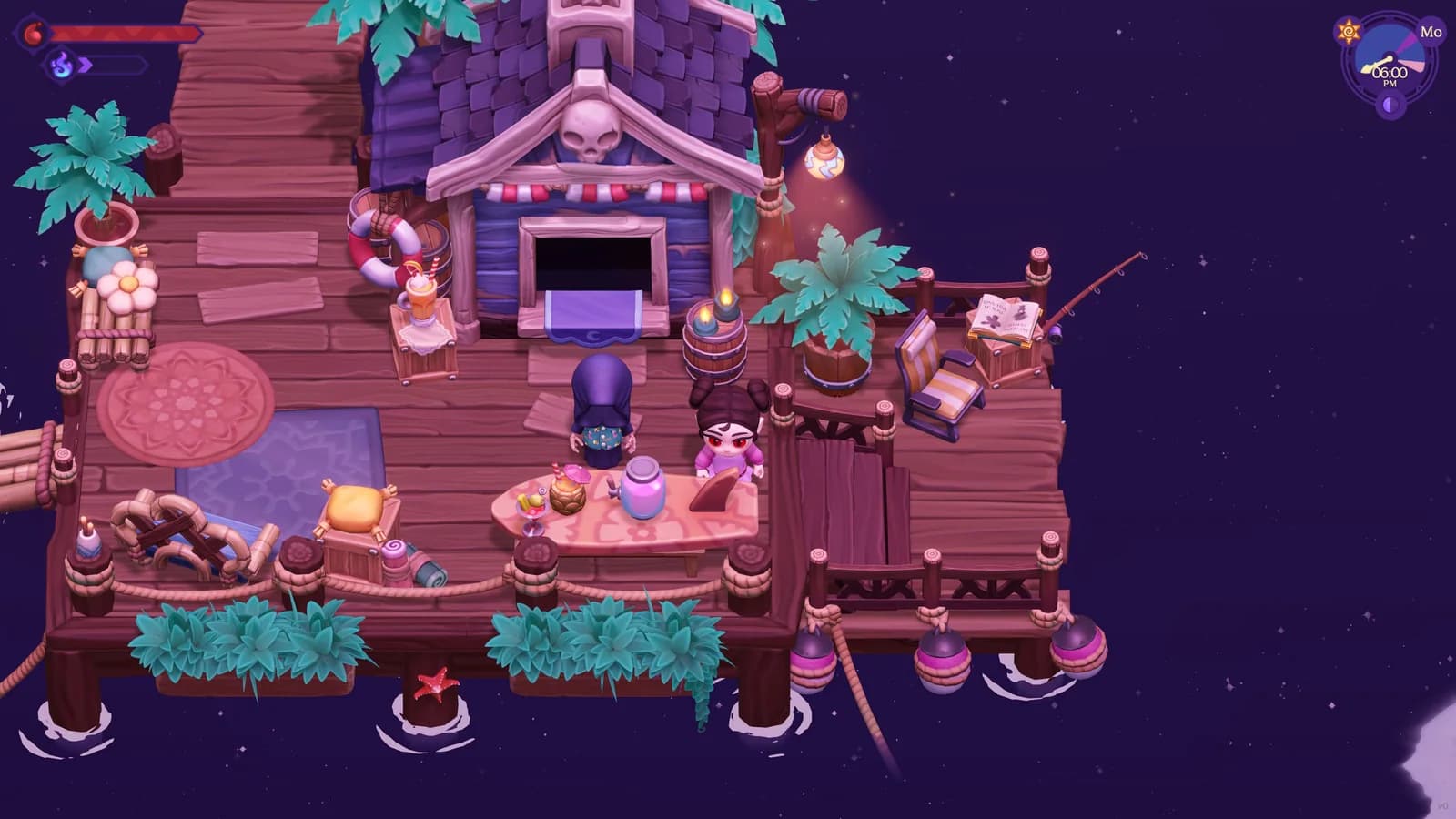
Moonlight Peaks Mermaid Quest and Aqua Form Guide
A spoiler-light route through The Mysterious Bay and The Mermaid's Wish, including the shell search, Alchemist Mortar step, Luna Bay delivery, and Unlocks Aqua Form.
Read guide