
Quick answer
Blueprint received through the post from Luna. Craft the Bee House at the Workbench. Prepare 20 Fiber, then read the wood material and quantity from your current Workbench recipe because available references use different wood labels. The Bee House produces Honey every day. Steam 1.2.6 increased Honey sell price and Bee House production to match pre-1.2.3 revenue.
- Get the blueprint: Blueprint received through the post from Luna.
- Open the recipe at the Workbench and read every material line shown by your game.
- Reserve the confirmed 20 Fiber without guessing the unresolved wood line.
- Place flowers next to the Bee House: Production increases for each neighbouring flower planted adjacent to the Bee House.
- Collect Honey: Every day.
- Read the current output and sell price in your own platform build before planning revenue.
How the Bee House works
The setup begins with Blueprint received through the post from Luna. Once the blueprint arrives, open the recipe at the Workbench. The recipe includes 20 Fiber. Available references use different names for the wood material, so read that line in your current Workbench recipe before refining logs or planks.
After construction, the Bee House produces Honey every day. Flower placement matters: Production increases for each neighbouring flower planted adjacent to the Bee House. Steam 1.2.6 increased Honey sell price and Bee House production to match pre-1.2.3 revenue. Because the official note does not publish a new numeric cap, this guide does not convert an older maximum into a current universal value.
Do not prepare a complete material stack from an old checklist before opening the recipe. Make sure the blueprint is present, read each material line, and refine only what the game asks for. This protects your resources if a material label or quantity differs between versions.
Find the blueprint before refining materials
Blueprint received through the post from Luna. Check the post in your save and read the attached notice before assuming that the crafting menu is broken. Once the recipe is visible, use it instead of relying on an older shopping or material note.
If the blueprint has not arrived, review the mail and objectives currently available. No delivery date, social condition, or quest requirement is listed here, so continue normal progression and follow any instruction connected to the post.
Once the blueprint appears, open the Workbench and copy the displayed recipe into a short preparation note. Include the 20 Fiber and write the wood line exactly as your game shows it. This prevents a similarly named plank or processed material from sending you to the wrong station.
Use the current recipe for the wood line
Use the current Workbench recipe for the wood material because available references use different labels. Read the material name, quantity, and any refining step before processing logs or planks. You can gather the 20 Fiber in parallel while leaving the wood untouched until the recipe is visible.
Avoid batch-refining every piece of wood while the label is uncertain. Keep raw and processed materials organized until the recipe is visible, then make only the amount you actually need. This approach protects the farm inventory without assuming a conversion rate or alternate ingredient.
If another page or an older note names a wood product differently, do not treat the mismatch as proof that your save is faulty. Use the current in-game label and retain the platform and build when reporting the difference. A screenshot of the recipe is more useful than a remembered term.
Build a readable flower layout
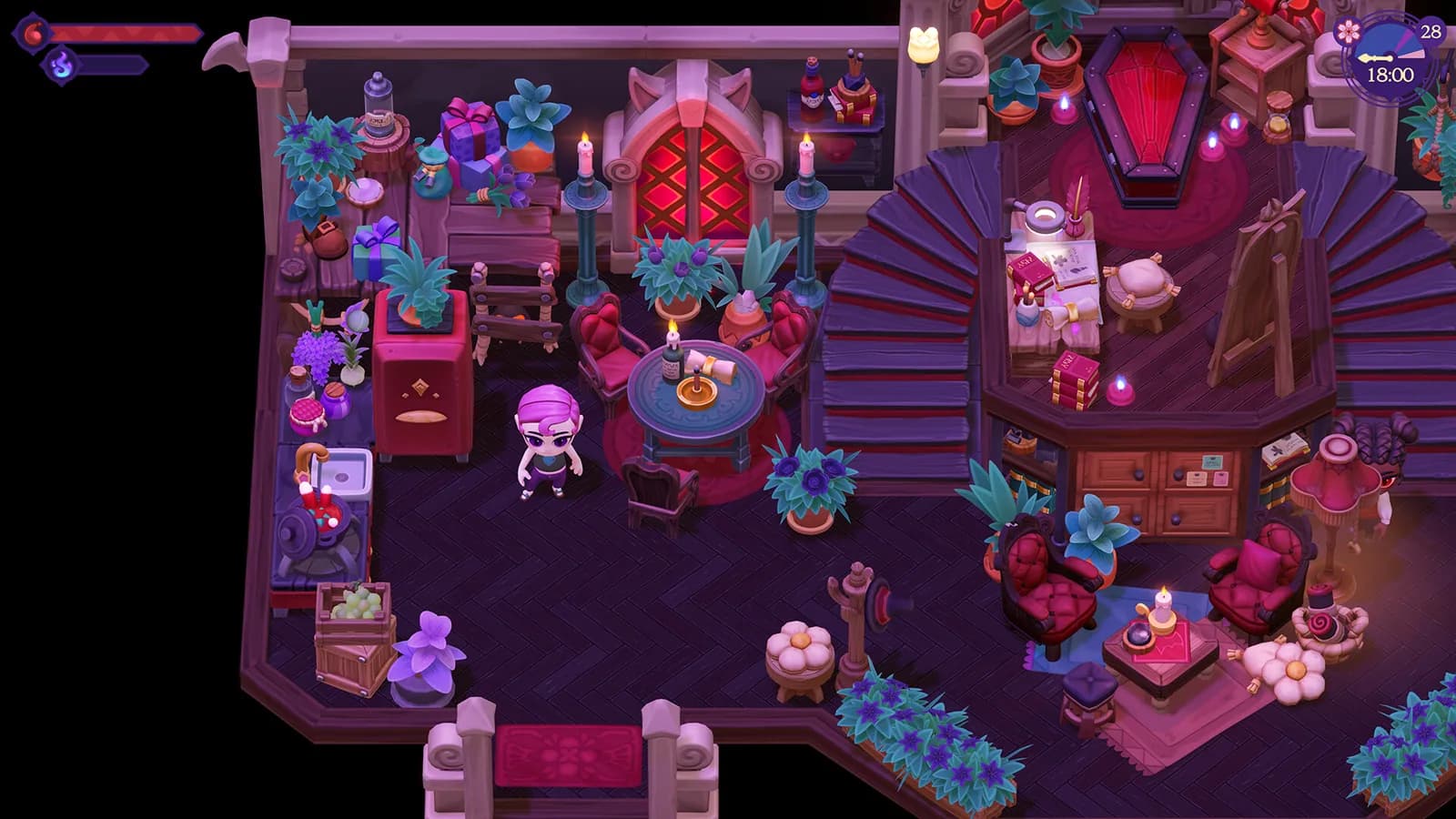
Production increases for each neighbouring flower planted adjacent to the Bee House. Start with a compact arrangement where the spaces touching the Bee House are easy to inspect. This makes it clear which flowers are adjacent and prevents decorative spacing from becoming a guessing exercise.
Place the Bee House first, walk around it, and mark the neighbouring tiles you can reach comfortably. Add flowers to those spaces while keeping an access lane for interaction. The lane makes collection easier; production still depends on the neighbouring flowers.
Expand the flower arrangement gradually and compare the output shown by your game after each complete cycle. Stop adding flowers for production when another adjacent flower no longer changes the installed version's output. Additional flowers can still support the look of the farm, but the guide does not set one fixed cap across versions.
Keep experimental arrangements separate from important crop rows when possible. That way, moving a flower for visual testing does not disrupt the rest of the field. Record the layout with a screenshot if you want to compare it after a patch.
Add Honey to the farm circuit
The Bee House produces Honey every day. Put it on a route you already walk when checking fields, storage, or crafting. A familiar route makes collection easier to remember; the guide does not assign a special collection hour.
Choose storage for Honey before the first collection. Keep a small working stack near any recipe shown in your game, and save the rest until you know how you want to use it. This page covers production rather than every possible sale, gift, collection, or crafting role.
When collection seems different after an update, observe a complete cycle with the object accessible and the flower layout unchanged. Note the build, the arrangement, and what the interface shows. Changing several variables at once makes it harder to tell whether the cause is placement, timing, access, or a patch.
Separate facts from production planning
The core details are the blueprint delivery, the Workbench, 20 Fiber, Honey, the every day cycle, the neighbouring-flower effect, and the version-sensitive economy change. Use the rest of this section to fit those mechanics around your preferred farm style without treating an older production cap as current data.
For a low-maintenance layout, keep one clear interaction side and place storage on the path back to the rest of the farm. For a decorative layout, design the flower bed first on spare ground, then move the working pattern only when paths remain readable. Neither approach is presented as a secret efficiency bonus.
Scale only when the current object fits the nightly route. More production can create storage and processing pressure, so decide where the output will go before redesigning the whole farm. If you do not yet have a planned use for a larger supply, a clear small layout may be the better choice.
Troubleshoot one visible state at a time
If the recipe is missing, confirm the blueprint route described by Blueprint received through the post from Luna and check the Workbench. If crafting is blocked, compare every displayed material line and inventory stack. If production is lower than expected, verify that flowers are truly neighbouring the object and compare the result only with the same platform and build.
If no Honey is ready, wait through the every day cycle while keeping the layout unchanged. This is an observation window, not a clock time or collection deadline, and it prevents a partial cycle from being mistaken for a full result.
When the game disagrees with this guide, follow the game. Note the platform and version, then capture the recipe screen, object placement, and output display if you want to report the difference. Avoid consuming rare materials merely to reproduce a label mismatch.
Connect the Bee House to broader farm goals
Use the farming and magic guide to fit the object into a wider nightly route, and the machine database to distinguish it from other production objects. The Museum guide can help when you are deciding what to reserve, but only its current checkable entries should drive a collection decision.
Keep each question separate. The Bee House page answers how to obtain the blueprint, where to craft, what material is known, what it produces, how flowers affect it, and why older output numbers may be stale. Use the current menu for the unresolved wood line, production cap, sell price, and any Honey use not listed here.
This approach keeps uncertain wood wording out of your preparation list while leaving the layout flexible. A compact working farm and a decorative garden can both use the same production details without following one rigid design.
Sources checked
The references below confirm the details used in this guide.
- Checked
- Game version
- Current Steam 1.2.7; Honey economy changed in 1.2.6
- Platform
- Steam economy note; other mechanics apply across platforms unless noted
References
Related guides
Moonlight Peaks Mana: Restore and Upgrade
Moonlight Peaks mana powers spells. Unlock spellcasting and restore Mana with recipes, Mana Essence, and yoga. Find all five Arcane Flames to expand capacity.
Read guide
Moonlight Peaks Museum Guide and Checklist
Unlock the Museum, handle the five invitations, plan room-based donations, use the interactive collection checklist, and review every listed progress reward.
Read guide