
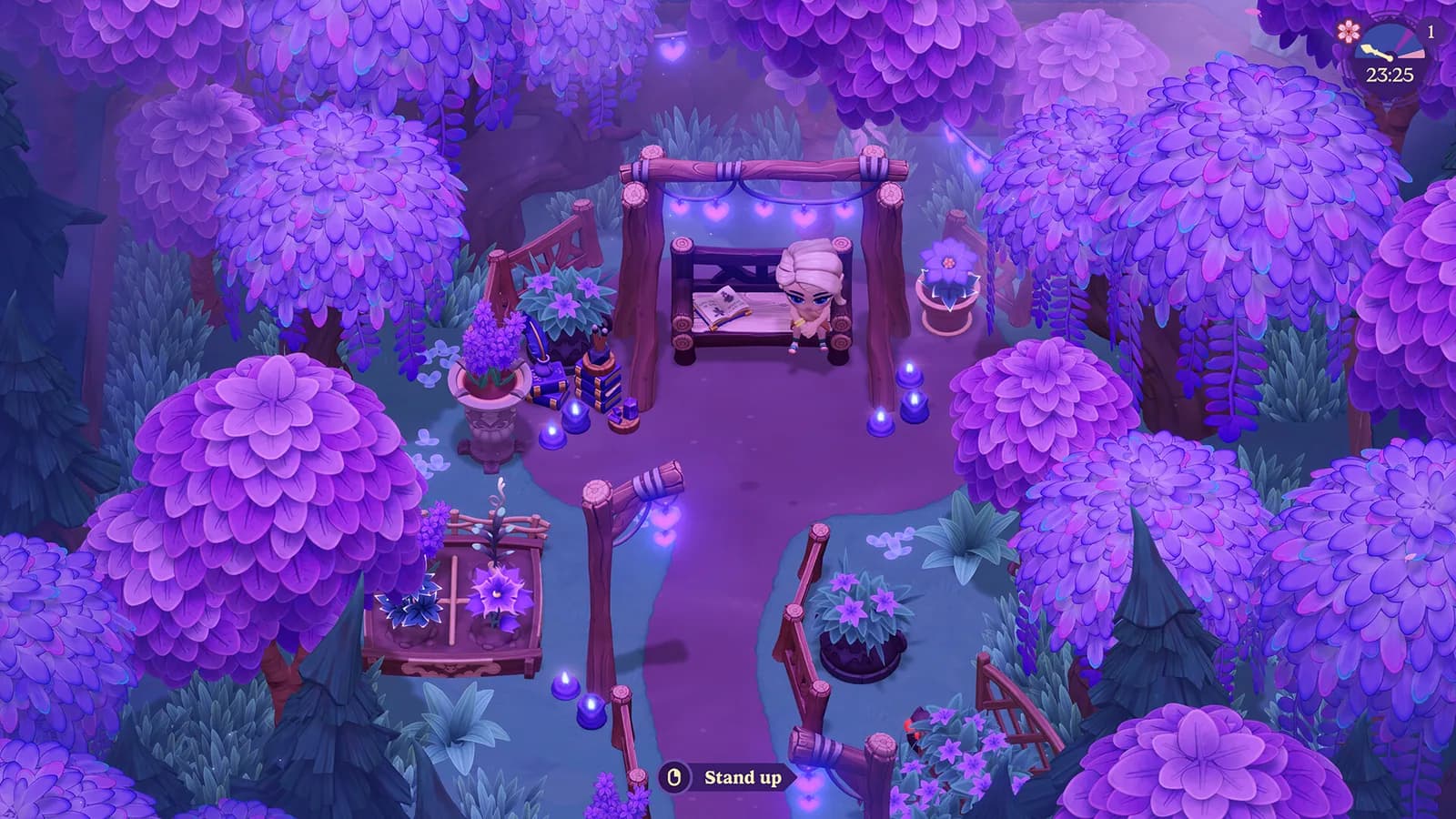
Quick answer
Moonlight Peaks has no ordinary manual-save button for preserving progress midway through an active cycle. The primary save occurs after sleeping in the coffin and advancing to the next in-game night/day cycle. Sleep first, then wait until the next cycle has loaded before closing the game.
- Finish the actions you want to keep during the current cycle.
- Return home and choose to sleep in the coffin.
- Let the following cycle load completely before you close the game.
The coffin-and-sleep save flow
Saving is tied to ending the current cycle, not to opening a pause menu whenever you like. Treat the coffin as the point where tonight's work is committed. Finish the farm, quest, inventory, or relationship actions you care about, return home, and sleep. When the next playable cycle appears, the ordinary save flow has reached its safest stopping point.
That design changes how short sessions should be planned. Starting a long route just before you need to leave creates a choice between completing the cycle or abandoning recent work. If your available time is uncertain, stay near the farm, complete a compact task, and sleep before closing. A shorter completed cycle is more dependable than a larger route left between save points.
Do not assume that every transition, menu action, or area change creates another durable save. Use the confirmed sleep boundary instead of experimenting with exits after individual purchases, conversations, harvests, or item moves.
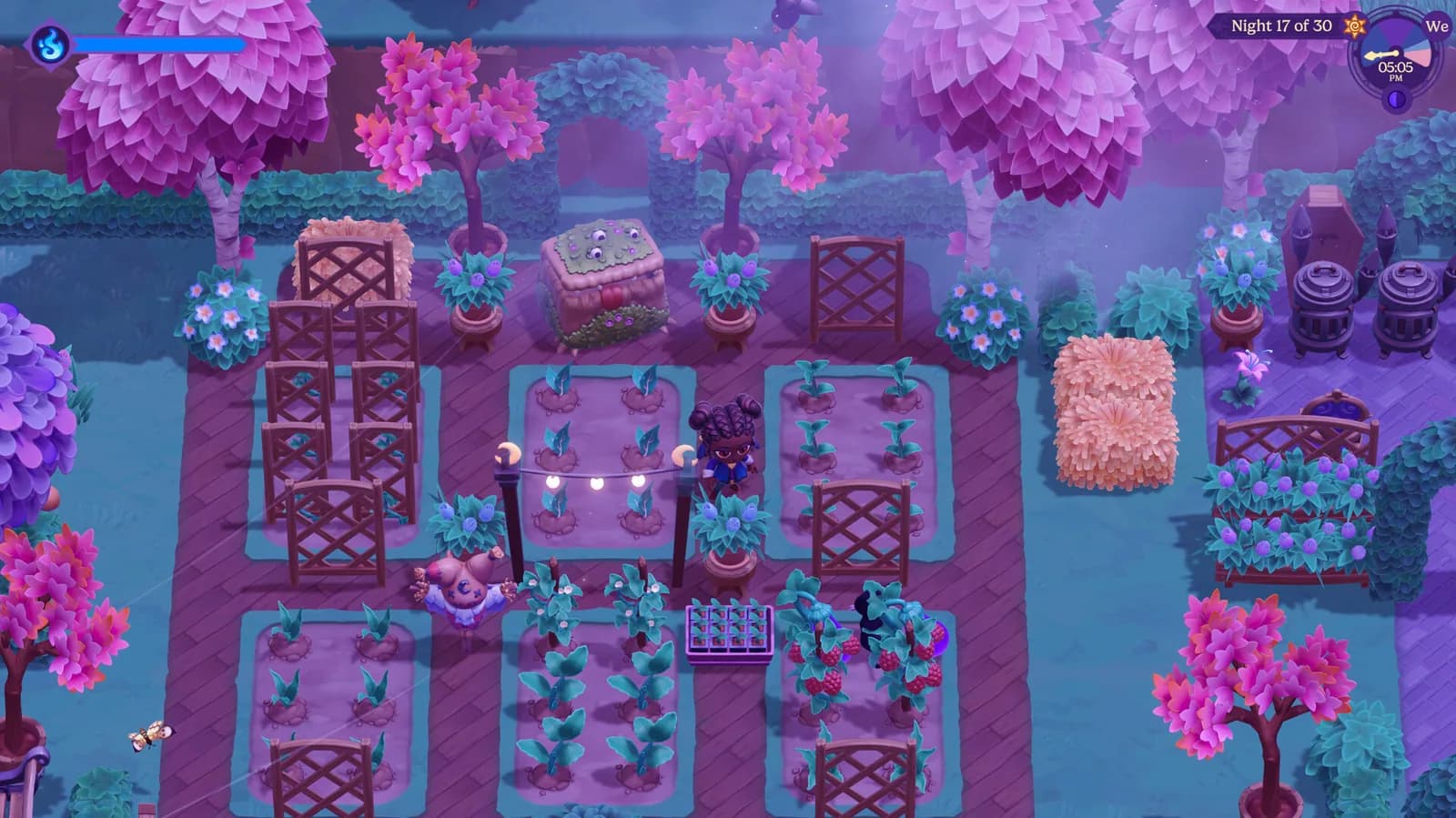
What to do before closing the game
Sleep first, then wait until the next cycle has loaded before closing the game.
Do not rush from the sleep choice directly to closing the software. Give the transition time to finish and make sure the new cycle is responsive. A title screen, loading animation, or dark transition is not the same as seeing the next playable state. This small pause is especially worthwhile after a busy route with several inventory or quest changes.
Once the next cycle is available, close through the normal controls for your platform. Avoid treating a force close, power interruption, or suspended transition as an equivalent shortcut. The official patch history shows that save handling has received fixes, so a conservative exit routine is a sensible way to reduce avoidable risk without inventing a hidden technical rule.
What quitting before sleep can cost
Quitting before sleep may discard progress since the previous save.
Think in terms of the last completed sleep rather than the last memorable action. If you harvested crops, bought an item, completed dialogue, reorganized storage, or advanced a quest afterward, those changes may belong to the still-open cycle. Returning later can therefore place you earlier than the moment when you closed the software.
When you are unsure whether a save happened, do not perform a destructive test with valuable progress. Note the current cycle and a harmless visible detail, sleep, wait for the next cycle, then exit normally. On return, use that detail as a check. This verifies your routine without relying on a guessed icon, timer, or undocumented file location.
Why the guide does not point to a manual-save command
Manual saving is unavailable. In practical terms, the normal routine does not provide an ordinary command for preserving progress halfway through an active cycle. Opening settings or returning to another menu is not a substitute for sleeping.
This boundary matters when troubleshooting. A player can close after a menu change and reasonably believe that the latest state was preserved, yet the confirmed save trigger remains the coffin transition. Describing an unverified menu action as a save would encourage exactly the kind of progress loss this page is intended to prevent.
It also means there is no reliable shortcut for keeping one part of a cycle while freely replaying another. If you are about to make an uncertain choice, decide whether you are willing to repeat everything since the previous sleep. This guide cannot confirm a quick-save, reload slot, or reversible checkpoint.
What Steam Cloud does—and does not prove
The Steam store lists Steam Cloud support. That is useful platform information, but it is separate from the in-game save trigger. Cloud synchronization can only work with save data that the game and client have recognized; it does not turn every mid-cycle action into a new save.
Do not treat a cloud label as a promise that any missing or damaged state can be recovered. The available copies may differ by time or condition, and there is no universal restoration procedure here. If Steam presents a synchronization conflict, pause and compare the information it shows rather than selecting a copy on the assumption that cloud always means newer.
This page deliberately omits local folder paths, file extensions, and backup replacement instructions. A guessed path can vary by operating system or change after an update. For a serious save problem, preserve the current installation state and follow official support instructions for the platform involved.
Official save fixes in versions 1.1.41 and 1.1.44
Version 1.1.41 restored save files affected by the missing-save issue; it did not repair corruption caused by closing during saving.
Steam-only version 1.1.44 fixed corruption caused by exiting while saving.
These notes describe different problems and must not be merged into one general recovery claim. The earlier entry concerns restoration for the missing-save issue while explicitly excluding corruption caused during saving. The later entry addresses that exit-during-save corruption path, and it applies to Steam only.
A later Steam version number does not prove that a Nintendo build contains the same fix, nor does an old affected report prove that a current file has the same cause. Record the platform and displayed version before comparing symptoms with a patch note. The separate Switch page maintains the current official version snapshot and explains the platform gap.
If a save is missing or older than expected
Start with observation. Record the platform, displayed game version, cycle that loaded, and the last action you know followed a completed sleep. Distinguish a file that is absent from one that opens at an earlier cycle. Those symptoms may sound similar in conversation, but they give support different details to investigate.
Next, avoid creating several new cycles while diagnosing the problem. New activity can make it harder to describe the state that first appeared and may change which copy a platform service considers current. Do not reinstall, overwrite, or copy unknown files on the basis of an unofficial path. Preserve what is present until official guidance identifies the appropriate next step.
If the issue matches the historical missing-save or exit-during-save descriptions, include that comparison as context rather than as a diagnosis. State the version and exact behavior you observed. Official support can then determine whether the known fix is relevant, whether the platform has received it, or whether the report represents a different problem.
A low-friction routine for everyday sessions
At the beginning of a session, decide whether you have time to complete a full cycle. If the answer is uncertain, choose tasks close to home and avoid beginning a multi-location objective. Before sleeping, make one quick pass through inventory and visible objectives so that you do not wake into the next cycle and immediately wish you had finished a nearby action.
After choosing sleep, let the next cycle load and check that input has returned. Then close normally. The routine works because each step is visible to the player rather than dependent on a hidden file operation.
For longer sessions, repeat the same boundary between cycles. Do not let familiarity turn a transition into an opportunity to force close earlier. Consistent behavior is also helpful if you later need support: you can describe when the last completed save occurred without reconstructing a different exit method for every night.
What this save guide covers
The page covers the coffin-and-sleep trigger, the safe next-cycle exit routine, the risk of losing work performed after the previous save, Steam Cloud availability, and two dated official patch statements. It does not provide a save folder, recovery guarantee, mid-cycle save command, or claim that one platform received another platform's update.
The source section below lists the first-party references for the save flow and patch history. Check its date and platform notes before applying a fix to a different build.
If a future official update changes the save trigger or adds a documented manual option, this guide should be revised with a dated scope note. Until then, the reliable answer remains simple: finish the current cycle through the coffin, wait for the next one to load, and only then close the game.
Sources checked
The references below confirm the details used in this guide.
- Checked
- Game version
- Current Steam 1.2.7; cited save fixes introduced in 1.1.41 and 1.1.44
- Platform
- General save flow; Steam-only facts are explicitly scoped
References
Related guides
Beginner's Guide to Your First Nights
A spoiler-light route through the farm loop, spellbook, town, and first upgrades.
Read guideMoonlight Peaks Scarecrow: Recipe & Unlock
Moonlight Peaks Scarecrow guide: unlock the recipe after Viktor’s Crow Introduction scene, then craft it at the Workbench with 5 Wood and 20 Fiber.
Read guide